View Campaign Stats [Next Gen] Follow

Summary
We understand it can be difficult to keep track of who is getting what and when, especially if you have a couple of drip campaigns, a monthly newsletter, and open house notifications running through our Email Marketing.
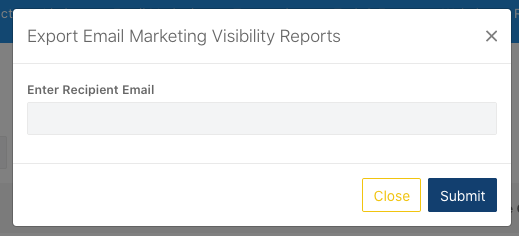
Knowing how well a particular campaign is doing can truly make a difference when moving forward in marketing. In addition to viewing past campaign statistics, a list of currently queued email campaigns can also be viewed. From here, lists can also be exported via entered email.
Step by Step
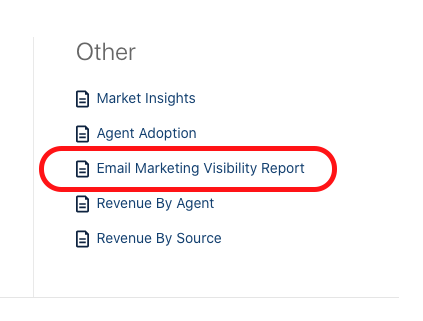
admin > reports tab > under other: Email Marketing Visibility Report

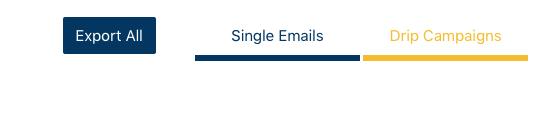
1. Make your selection of whether you'd like to see Drip Campaigns or Single Email Campaigns.
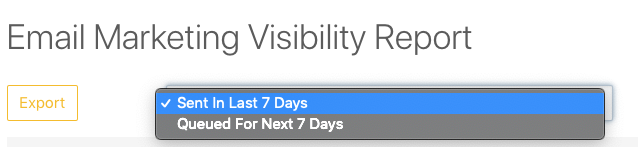
2. Use the dropdown at the left to see what was Sent in the Last 7 Days or Queued For the Next 7 Days.
3. To see which Campaigns and Campaign Events are going to be Sent.
- The Sender is the person who the email will be coming from.
- The Lead, Contact, Agent, Employee, Contact Agents, and Lead Agents Count give a total number of who will be affected by that.

Exporting Statistics via Email
How does this differ for agents?
Reporting is only visible to Admin and Broker level accesses.