URL Redirects [Next Gen] Follow

Summary
Brokers and Admins can create a redirect to link a path on your site to a local or external link. This is great for SEO, old listings that you may not want people to be able to see on your site, or a sold listing that the new homeowner might have asked be removed from the site.
Step by Step
admin > website > components drop down menu > redirects > create
1. Starting on the admin page, select the website tab

2. Open the components drop down and choose redirects
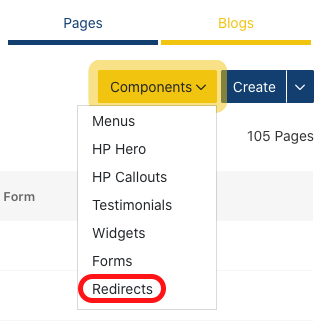
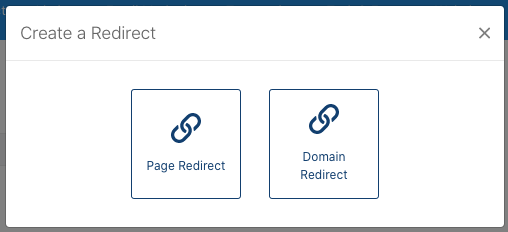
3. Select the create button and choose either domain redirect or page redirect
New Page Redirect Options: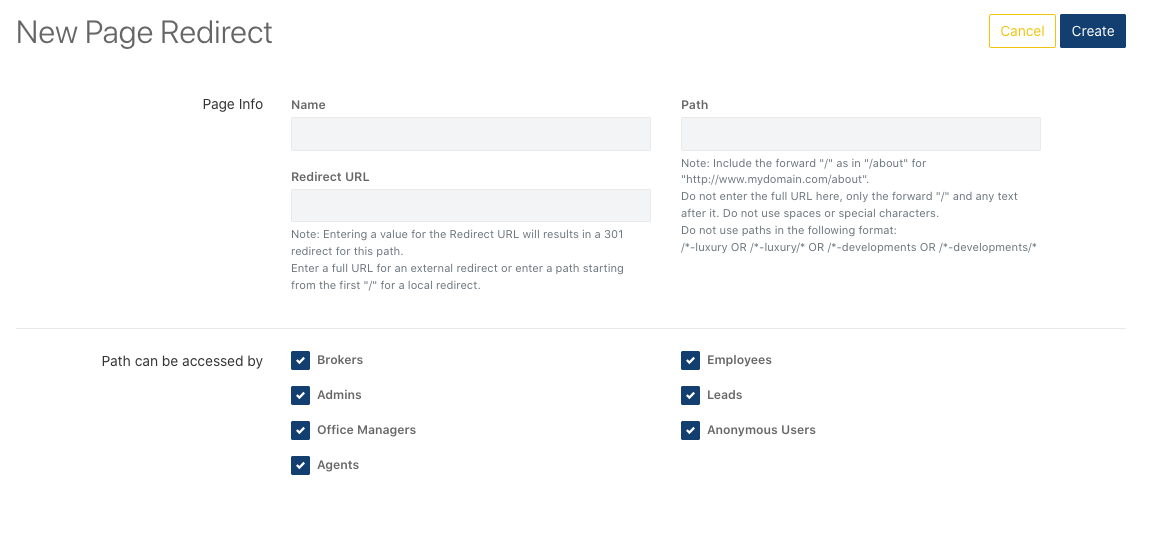
New Domain Redirect Options:

How does this differ for agents?
As this is part of the website tab, this is available to admin and broker level users.